Tips & Methods
LingQ Alternatives Compared by Use Case, Free and Paid
Hit LingQ's free limits or paying more than you use? A use-case map of LingQ alternatives, free and paid, plus when staying on LingQ still makes sense.
You hit the free wall on LingQ. Maybe twenty saves, limited imports, and a quiet "pay if you want to keep going." Or you already pay, open the app twice a week, and wonder if the bill matches how you actually study.
You still want reading and real input. You are not shopping for another streak app with cartoon hearts. You want a reading app like LingQ - or something narrower that hurts less for the job you have.
Here is the plain answer.
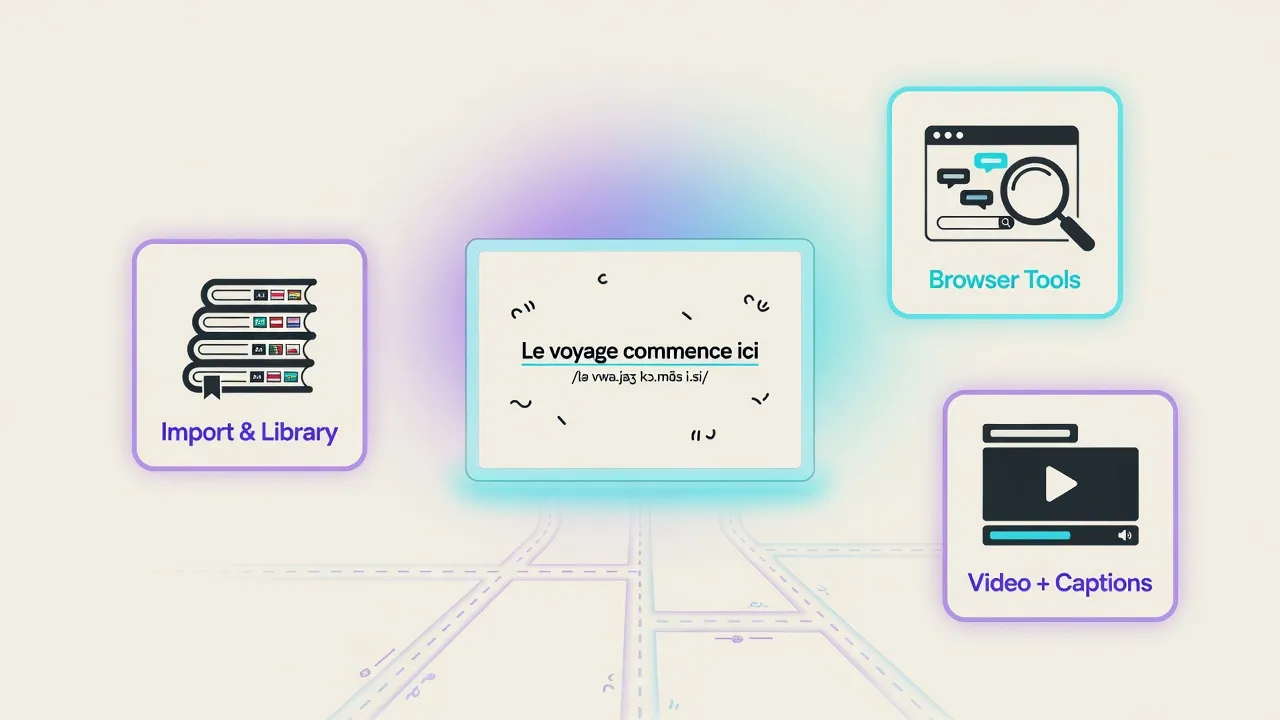
There is no single best LingQ alternative for everyone. People leave or add tools because of price, free-tier limits, UI friction, or a narrower job: browser reading, free self-host, video with dual subtitles, graded books plus own EPUB, or SRS review. Match the tool to that job. Stay on LingQ if you already live in multi-language import, known-word tracking, and community lessons. Course apps like Duolingo solve a different job (drills and streaks), not import-heavy input.
Think of tools as jobs you hire. Each app does one job well. Fake overall #1 lists hide that.
Below you will get the real reasons people search, when staying still wins, a use-case matrix, short peer sketches, free paths, how this ties to input-first practice, and where a graded EN/ES reader fits.
Why do people look for a LingQ alternative?
Most searches are not hate mail. They are friction.
Price vs light use. Paid Premium often sits around the mid-teens USD per month when billed monthly, with cheaper annual options - check current plan on LingQ's site before you decide. If you live in the app daily, that can feel fair. If you open it twice a week for one language, the sticker can feel heavy for the hours you actually get.
Free-tier friction. Free plans often cap how many words or phrases you can save and how many imports or lessons you can create (commonly around twenty saves and limited imports - re-check the live free plan). Casual readers hit that wall fast.
UI, speed, and content hunting. Some people like the stack and still feel tired hunting lessons, clicking through dense screens, or waiting on a heavy library. Others love it. Both can be true.
Beginner steepness. Dropping straight into raw native text without a warm-up can feel like a wall of unknown words. Lookup helps; a gentler first ladder of graded material helps more.
A narrower job. Maybe you only need browser articles, free self-host control, Netflix and YouTube with dual subtitles, one EN/ES reading path, or pure spaced repetition. Hiring a specialist for that job is often smarter than forcing one empire tool to do everything.
Many people stay on LingQ and love it. Leaving is optional. The next section is for them - and for anyone about to switch out of pure frustration.
When should you stay on LingQ?
Leaving is optional. If most of these fit, stay - or stack a specialist beside LingQ instead of burning the house down.
- You import across many languages and that breadth is the point (marketing often cites a large 40+ language ecosystem; verify the current catalog)
- You care about known-word stats and "LingQs"-style progress gamification
- Community lessons plus a listen-read loop is already your daily home
- You pay for Premium (or a higher tier) and actually use it most days
- You are fine combining: keep LingQ for import languages A and B; add a specialist for graded EN/ES reading or video
Here is the simple fork many people miss: you can leave for a new job, stay if LingQ still fits, or combine tools without guilt.
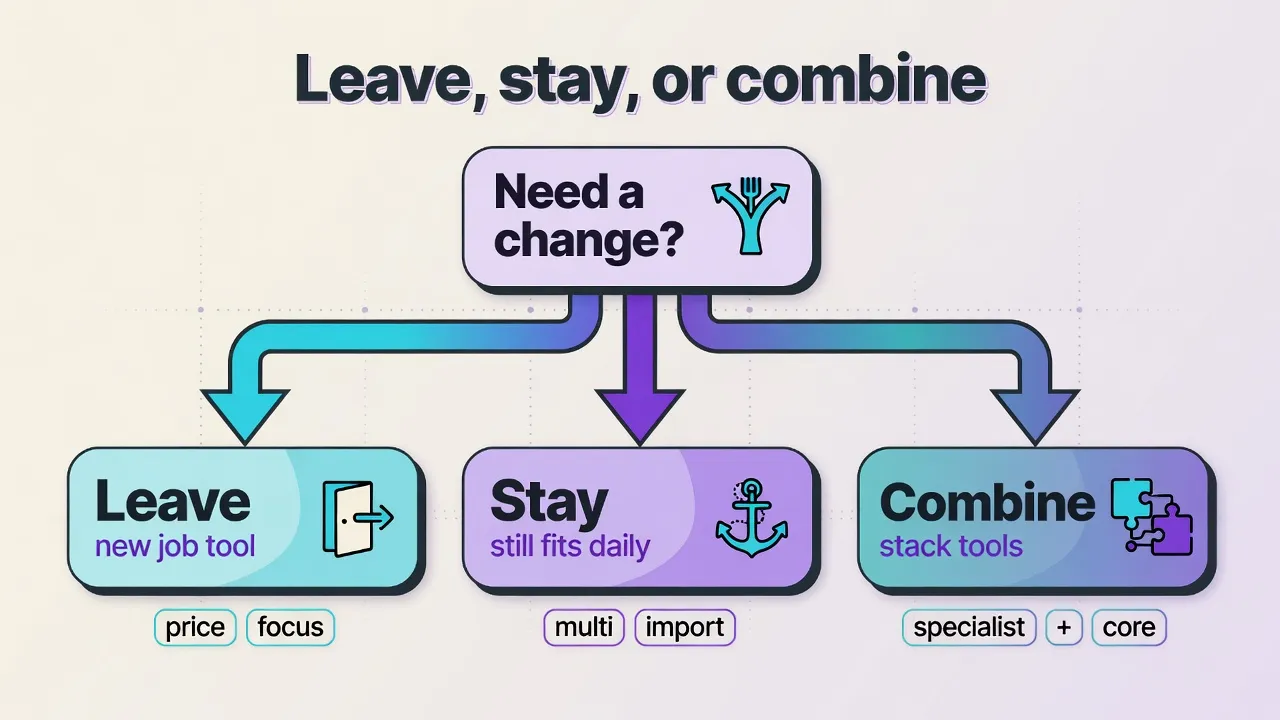
Switching is not a moral win. Stacking tools by job is normal. If Premium is already paid and used every day, "I saw a blog post" is a weak reason to cancel. If free limits hurt and you only need simpler reading in one language, shopping LingQ alternatives is reasonable.
How do you choose? Use-case matrix (not overall #1)
Each app does a different job. Hire for the job, not a fake podium.
| Job / need | Strong fit (examples) | Weak fit |
|---|---|---|
| Import-heavy multi-language library + known-word tracking | LingQ | Thin single-language readers that skip stats and multi-import |
| Browser web page reading + quick lookup | Readlang | Self-host-only stacks if you never leave the browser |
| Free / self-hosted full control | Lute (LWT lineage) | Pure SaaS if you need zero bill forever and no server setup |
| Video + dual subtitles (Netflix / YouTube style) | Language Reactor | Book-only readers |
| Graded warm-up + tap-translate + own EPUB (EN/ES focus) | MovaReader | Claiming a 40+ language import empire |
| Spaced repetition of saved items | Anki (+ export from many tools) | Using Anki alone as a full LingQ replacement |
Six jobs, no universal winner:
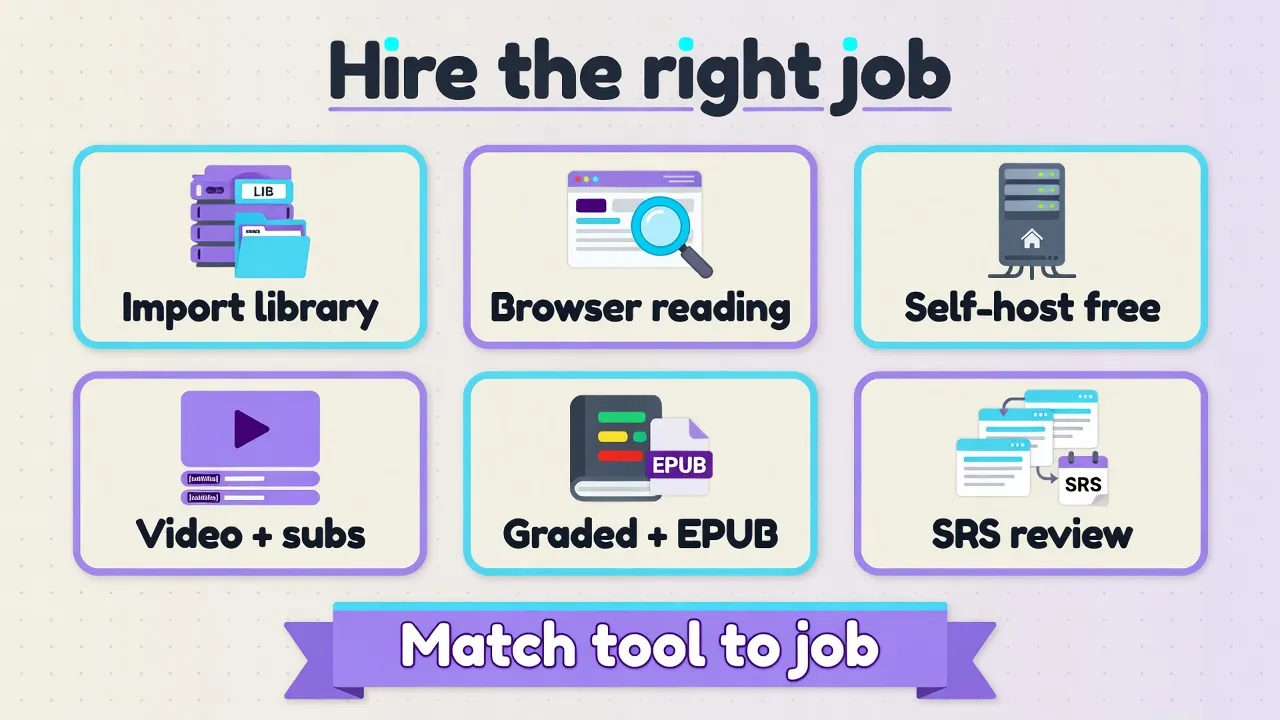
In one line each:
- LingQ: Best when the multi-language import stack and known-word progress are the product.
- Readlang: Best when articles in the browser are your daily input.
- Lute: Best when control and free self-host beat polish and graded onboarding.
- Language Reactor: Best when TV and YouTube are the main medium, not books.
- MovaReader: Best when EN or ES reading needs lower friction - graded start, then your EPUB.
- Anki: Best as the review engine after another tool collects words.
If two rows match you, stack. Do not force one brand to own every cell.
What are the true peers?
True peers share the input / library / lookup neighborhood. Course giants are a different aisle (more on that below).
Readlang - browser reading like a second home?
Readlang is the common head-to-head when people search "LingQ vs Readlang." You live in web pages, look up words, and keep a lighter reading loop than a full multi-language import empire. Free tiers exist with limits; paid unlocks more - check Readlang's current free and paid plans. Best when articles in the browser are your daily input. Weak when you need heavy multi-language library stats and community lesson hunting as the whole product.
Lute - free self-hosted import stack?
Lute sits in the free / self-hosted line many people associate with Learning with Texts (LWT) and Refold-style DIY stacks. You get deep control and no SaaS bill if you host it yourself. Trade-off: setup, backups, and maintenance. It is not a polished graded library with a soft onboarding path. Best when "I want full control and zero subscription forever" is the job.
Language Reactor - video and subtitles job?
Language Reactor (and similar dual-subtitle helpers) own a different medium: Netflix, YouTube, and subtitle workflows. That is real input, just not book import. Free and Pro tiers exist; check current pricing. Best when TV and video are your main contact with the language. Not a drop-in book-import LingQ clone.
Anki - companion, not a full LingQ clone?
Anki is a spaced-repetition engine. Many people export words from a reader and review them here. Best when you already collect items and need long-term review. Wrong job if you want an all-in-one reading library with import, stats, and listen-read in one home. Use it as a teammate, not a twin of LingQ.
MovaReader - graded EN/ES + EPUB path?
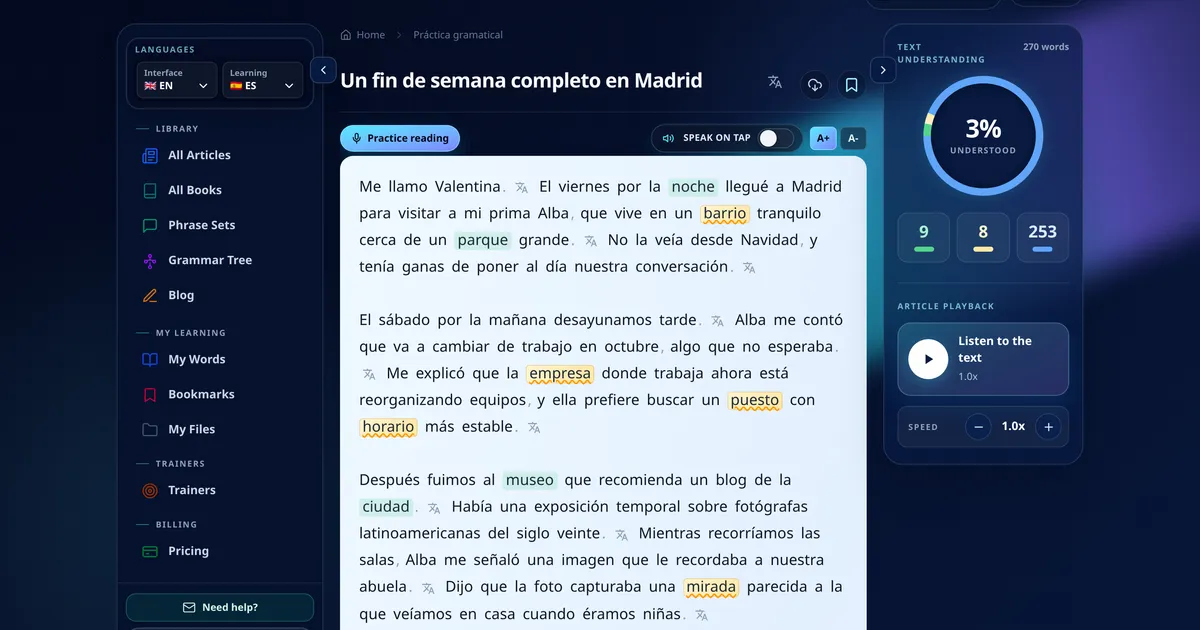
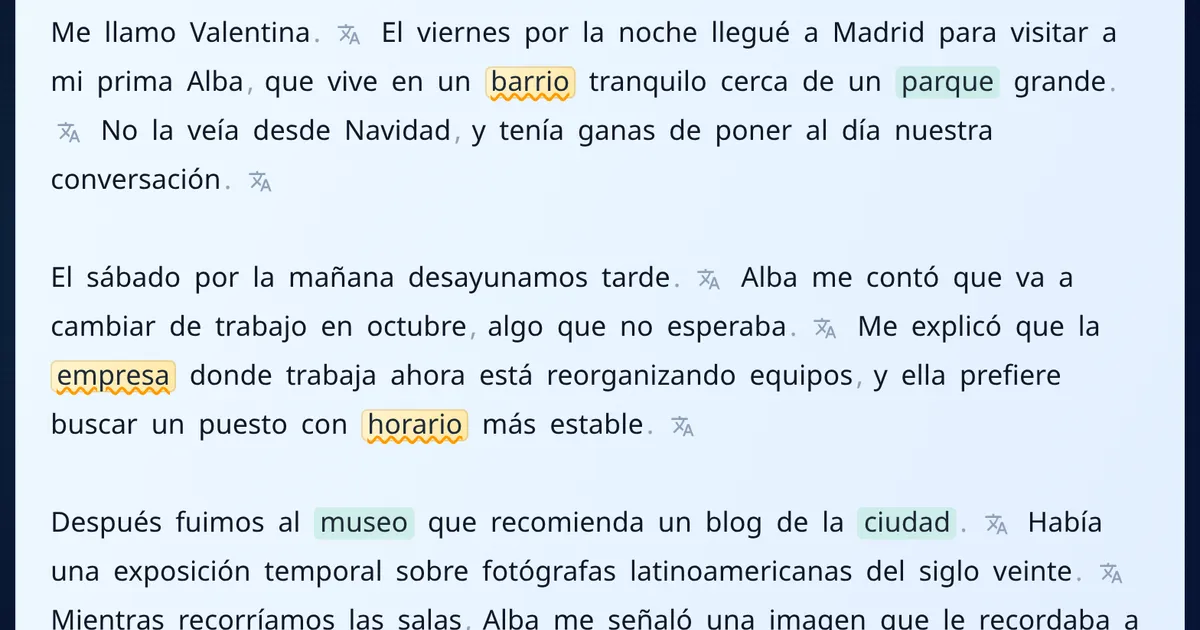
MovaReader is a reading-first path for English and Spanish: tap a word in context, listen while you read when audio is there, warm up on a free graded library, then open an EPUB you own.
On freemium you get about 20 word translations per day, and listening is often unlimited. When that is not enough, Reader (~€1/month) unlocks unlimited reading translations. Pro (~€5/month) adds full trainers. See pricing and re-check live numbers.
It is not a LingQ clone and not a 40+ language import empire. Best when the job is EN or ES reading with lower friction. Wrong hire when multi-language import is still the core product.
Other names you will see (quick)
You will also see self-promo landers (Hend, LingoBlend, Okuzeka, MeloLingua, and others). Some may fit a niche. Evaluate them with the same matrix questions. Historical Learning with Texts (LWT) is the grandparent vibe many free self-host tools still echo. When in doubt, go back to the job table.
What is the best free LingQ alternative?
"Best free" depends on the job. There is no absolute #1 free clone, and a free forever unlimited commercial novel library is usually marketing fiction.
| Free-ish path | What you get | Trade-off |
|---|---|---|
| Lute / LWT lineage | Deep free self-host import stack | Setup and maintenance; not a polished graded library |
| LingQ free | Taste of import + lookup with hard caps | Hits wall fast on saves / imports - verify current free limits |
| Readlang free | Browser reading with free-tier limits | Paid for heavier use - check current plan |
| Language Reactor free | Video/subtitle workflow with free tier | Pro for more power - check current plan |
| MovaReader freemium | Free graded library; ~20 word translations/day; listening often unlimited | No free unlimited commercial novel library; Reader ~€1/mo for unlimited reading translations |
If free depth with full control is the job, many people pick Lute. If you want a free SaaS taste, several tools (including LingQ free) cap usage differently - check current free plans rather than trusting a screenshot from last year. For a free graded warm-up in EN or ES with light freemium limits, MovaReader is one option among peers, not a free LingQ empire.
Are Duolingo and Babbel LingQ alternatives?
Usually no for the same shopping list.
| App type | Job | Relation to LingQ alternatives |
|---|---|---|
| Duolingo, Babbel, Mondly, similar course apps | Drills, lessons, streaks | Different job from import-heavy input; fine as a supplement, wrong row in the matrix above |
They can sit beside an input tool. They are not true peers of Readlang, Lute, Language Reactor, Anki, or a reading app like MovaReader. If a list ranks Duolingo as "best LingQ alternative #3," you are looking at a different product aisle.
How does this connect to Kaufmann and Krashen?
LingQ grew next to Steve Kaufmann's input-first practice: lots of interesting reading and listening, tolerate incomplete understanding, notice grammar later. Method loyalty and product loyalty are not the same forever. You can keep the method and change the tool - or keep LingQ and still read the method cleanly.
Krashen's idea of comprehensible input is a compass: get messages you mostly understand. Tools only reduce friction so you stay in the text longer. They do not guarantee polyglot outcomes, and no app turns hard novels into automatic fluency.
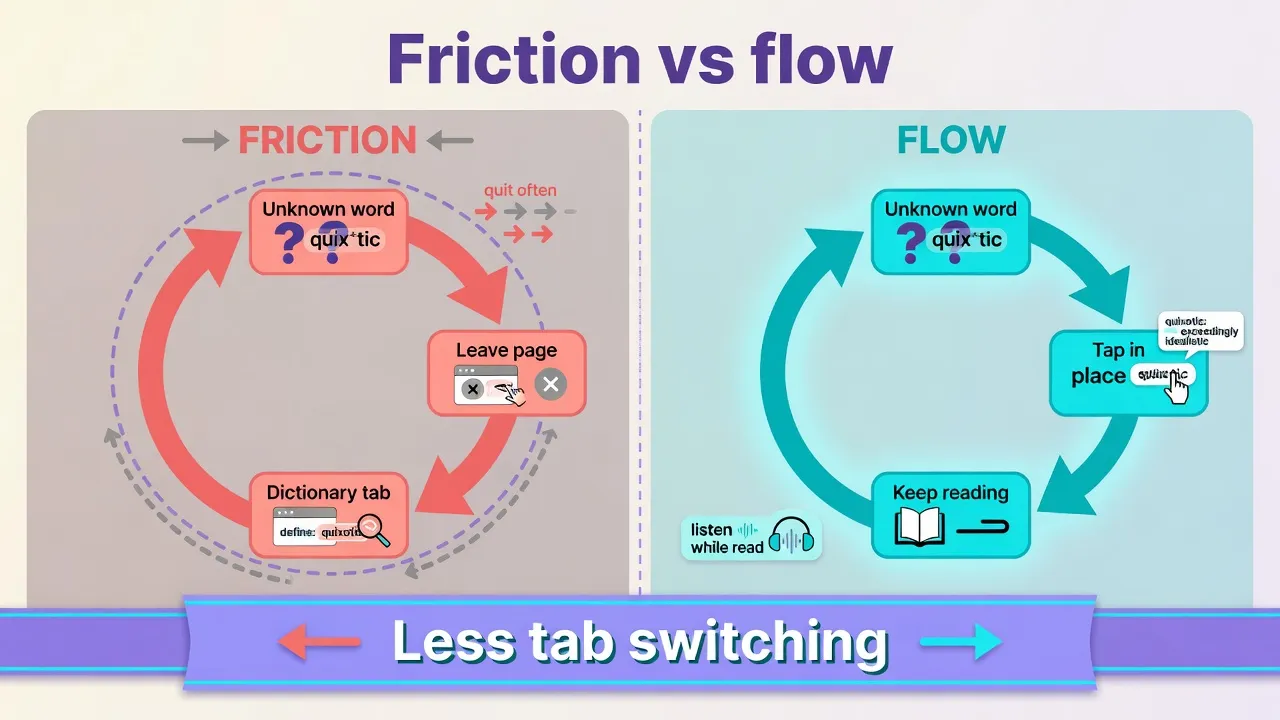
When lookup lives in another tab, unknown words become quit moments. Helpers that keep lookup in place (and add audio when you can) support the keep-reading loop.
For more on the practice side, see our guides to the Steve Kaufmann method and Krashen's comprehensible input hypothesis. Tools support the compass; they are not the compass.
Where does MovaReader fit?
One matrix cell only: EN/ES graded warm-up, tap a word in context, listen while you read when audio is available, then open your own EPUB. Not a full LingQ-style import stack. Speaking still needs practice when you are ready.
Here is the freemium loop in plain words:
- Free graded library to warm up
- About 20 word translations per day on freemium; listening often unlimited
- Reader (~€1/month) when you need unlimited reading translations
- Pro (~€5/month) when full trainers are the bottleneck
- Bring an EPUB you own via how to use
- We do not host free unlimited commercial novels as a library
Details live on pricing. Confirm figures there when you care about cost.
MovaReader is the wrong hire if you need 40+ languages and heavy cross-language import, if video dual subtitles are your main medium, if you want free self-host full control, or if you only need an SRS engine.
If the job matches, open one graded text, try the tap-translate loop, then bring a short EPUB you already own. If multi-language import is still the job, stay on LingQ or stack without guilt.
FAQ
What is the best free alternative to LingQ?
There is no absolute #1 free clone. For free depth with full control, many people pick Lute (self-hosted, LWT lineage). For free SaaS tastes with limits, LingQ free, Readlang free, Language Reactor free, and MovaReader freemium (~20 word translations/day; listening often unlimited) all cap usage differently - check current free plans. A free forever unlimited commercial novel library is usually marketing fiction.
What app is most like LingQ for reading?
For browser articles with quick lookup, Readlang is the common head-to-head. For self-hosted import reading, Lute. For graded warm-up plus your own EPUB on an EN/ES path with tap-translate, MovaReader fits that narrower reading job - it is not a multi-language LingQ clone. Match the reading medium (web, self-host import, graded + EPUB), not a brand twin.
When should I stay on LingQ?
Stay if you already live there daily: multi-language import, known-word tracking, community lessons, and a listen-read loop you use. Stay also if Premium is paid and used most days. Leaving is optional; combining LingQ with a specialist (video, graded EN/ES reading, Anki) is normal.
Is LingQ worth it if I only study one language lightly?
Often the paid tiers feel heavy for light, one-language use - official Premium is often around the mid-teens USD per month when billed monthly, with cheaper annual options (check the current plan on LingQ's site). Free tier limits (commonly ~20 saves and limited imports - re-check) hit casual users fast. If you only need simpler reading in EN or ES, a narrower tool may cost less friction and money. If LingQ is already your daily home, light use alone is not a reason to force a switch.
Are Duolingo or Babbel real LingQ alternatives?
Usually no for the same shopping list. They solve a different job: courses, drills, and streaks. LingQ-style alternatives target import-heavy input, known-word tracking, reading or video lookup, and personal libraries. Course apps can sit beside input tools as a supplement; they are not true peers of Readlang, Lute, Language Reactor, Anki, or a reading app like MovaReader.
Can I use more than one tool (e.g. LingQ + Anki or a reading app)?
Yes. Stack by job: keep LingQ for multi-language import if it still fits; add Anki for spaced review of saved items; add Language Reactor for Netflix/YouTube; add a graded EN/ES reader (e.g. MovaReader) when warm-up books and own EPUB matter more than a full import empire. One tool does not need to win every cell of the matrix.
What should you do next?
Pick one job from the matrix this week. Stay, switch, or combine - no guilt either way.
- If multi-language import and known-word tracking still fit, stay on LingQ or keep it as home base.
- If browser articles, free self-host, video, or SRS is the real pain, hire that specialist first.
- If EN or ES reading with graded warm-up and your own EPUB is the job, start with one graded article, skim how to use for EPUB, and check pricing only when freemium limits start to matter.
LingQ alternatives are a map, not a war. Hire for the job. Keep reading.
Keep reading with translations inside the text
With a free account, an unknown word translates with one tap, and the words you are learning wait for you in the trainer.
Free account: 7 days of Pro, then 20 word translations a day or a paid plan.